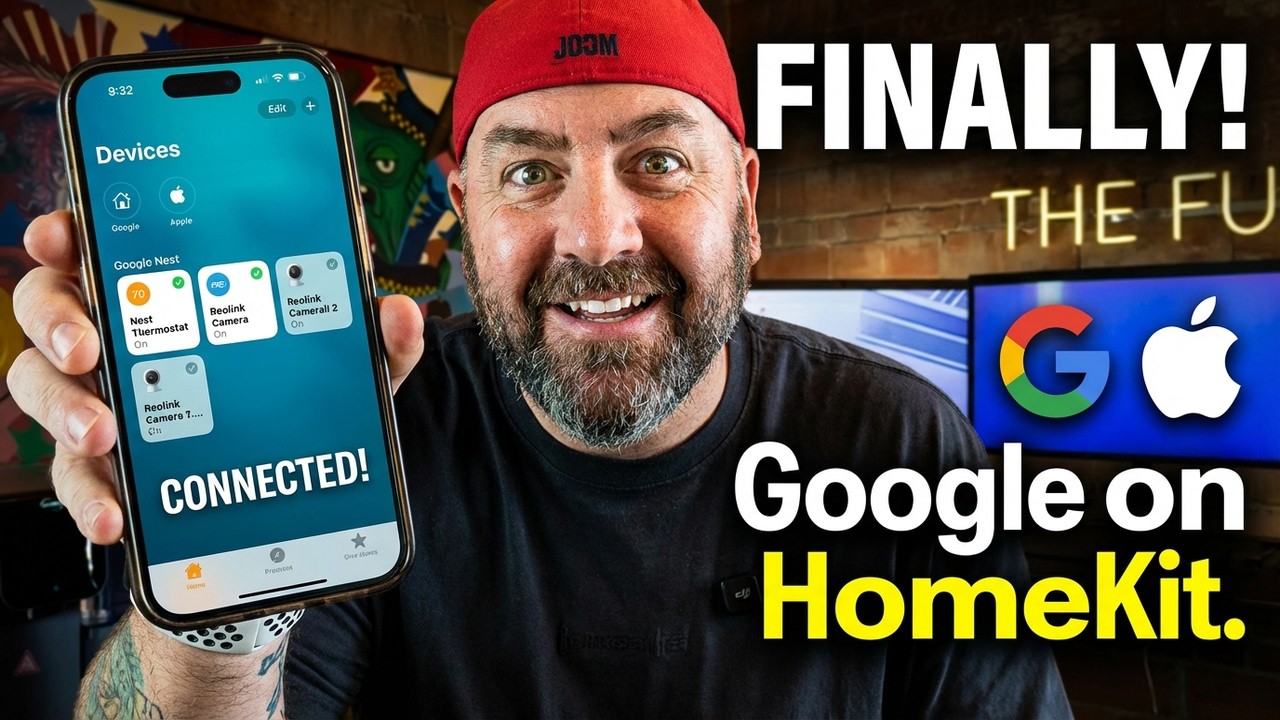
Apple Home is great — until you realize half the smart home ecosystem isn't compatible with it. Matter still doesn't cover cameras, and Google Home and Amazon Alexa get priority everywhere. The Starling Home Hub ($129) is a small Ethernet-connected device that quietly solves this problem by pulling "Works with Google" devices straight into Apple Home. No complicated server, no programming required.
What the Starling Home Hub Actually Does
The Starling Home Hub acts as a bridge between your Google Home devices and Apple HomeKit. It started in 2019 by supporting only Nest devices — thermostat, smoke detector, and cameras — but it now covers most "Works with Google" products, which is a huge library. If a device works with Google Home, there's a good chance the Starling can bring it into Apple Home.
At $129, it's cheaper than a Home Assistant setup and far less work to configure. It won't replace a full-blown automation server, but for most users it does exactly what they need.
Setup Is Genuinely Under Five Minutes
Here's what comes in the box and how to get going:
- Hardware: Plug the Micro-USB power cable into the Starling Hub, then run an Ethernet cable directly to your router.
- App: Download the Starling app. It finds the hub automatically on your network.
- Google account: Sign in with the same Google account tied to your smart devices. The Starling pulls them all in.
- HomeKit: Scan the HomeKit code printed on the hub. Apple Home finds the hub — and every device attached to it — within seconds.
No command line, no YAML files. If you've ever added a device in the Home app, you already know how to do this.
Testing It with Reolink Cameras
Reolink makes well-regarded security cameras, but none of them are natively compatible with Apple Home. As a real-world test, a Reolink TrackMix LTE — a cellular camera that doesn't need Wi-Fi — was added through Google Home first, then picked up automatically by the Starling. Even though the camera was at a storage unit a mile away, it showed up live in the Apple Home app on iPhone, iPad, and Mac without a hitch.
The One Caveat You Should Know
Here's the honest trade-off: non-Nest cameras don't support HomeKit Secure Video. You can watch live footage through Apple Home, but Apple's encrypted cloud recording isn't available — recording happens inside the camera's own app instead.
Google Nest cameras are the exception; those get full HomeKit Secure Video support. Everything else — locks, thermostats, sensors, and third-party cameras for live view — works well. It's only cloud recording that's limited for non-Nest cameras.
Is the Starling Home Hub Worth $129?
If you're an Apple Home user frustrated by limited device compatibility, this is an easy yes. Five-minute setup, and suddenly your "Works with Google" devices live right inside the Home app alongside your existing HomeKit gear. The HomeKit Secure Video limitation is real but minor for anyone who mainly wants live view and basic automations. Starling has been updating the firmware consistently since 2019 — that kind of longevity matters for a product you'll rely on every day.
This article was created with AI help. If you want to watch the original video, please visit the link below.